Gather customer feedback.
Useful feedback starts with questions that people can understand. A structured survey helps keep choices, text feedback and ratings together.
Pages & Forms
Build online questionnaires, share published surveys and review responses through the survey tools.
Account features depend on current plans and permissions. Public demos use no account data.
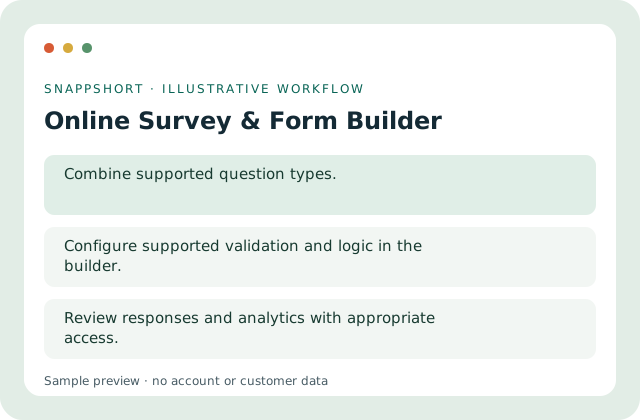
Useful feedback starts with questions that people can understand. A structured survey helps keep choices, text feedback and ratings together.
Safe interactive preview
Answer a choice, text and rating question. The success state is local; answers are never saved or added to account analytics.
Enable JavaScript to use the interactive demo. No account is required.
Useful feedback starts with questions that people can understand. A structured survey helps keep choices, text feedback and ratings together.
Useful feedback starts with questions that people can understand. A structured survey helps keep choices, text feedback and ratings together.
Your account and workspace determine the available features and allowances. Check the live pricing page before choosing a plan; this demo grants no subscription entitlement.
Compare current plansBuild online questionnaires, share published surveys and review responses through the survey tools.
Answer a choice, text and rating question. The success state is local; answers are never saved or added to account analytics.
Gather customer feedback. Review a training session. Useful feedback starts with questions that people can understand. A structured survey helps keep choices, text feedback and ratings together.
Publish, share and review responses responsibly. Review responses and analytics with appropriate access.
Use these related tools when your next step needs a different format, destination or way to understand activity.
Pages & Forms
Arrange a focused landing page with editable content blocks, a theme and a mobile-friendly preview.
Arrange supported content blocks.
Pages & Forms
Bring a profile introduction and several destination buttons together on one mobile-oriented landing page.
Introduce the person or brand.
Pages & Forms
Create structured forms for registrations, enquiries and lead collection without collecting respondent payments.
Use supported fields and validation.
Use online survey & form builder with the controls available in your account.
Create your SnappShort account