Review a set of campaign links.
Link clicks and landing-page events have different meanings. Choosing the source explicitly helps keep a report understandable.
Marketing & Analytics
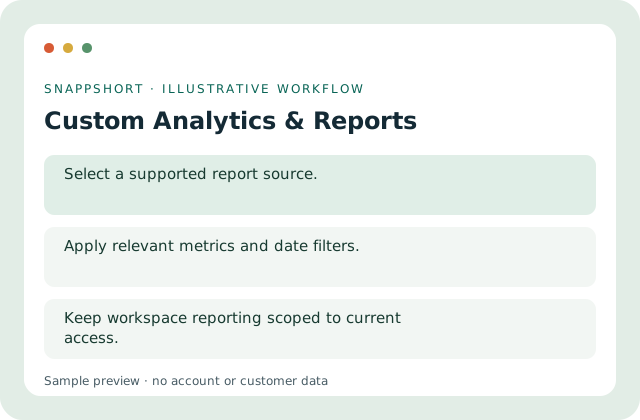
Configure reports using supported data sources, metrics and filters instead of mixing unrelated event types.
Account features depend on current plans and permissions. Public demos use no account data.
Link clicks and landing-page events have different meanings. Choosing the source explicitly helps keep a report understandable.
Safe interactive preview
The sample illustrates link-click data only. Production report sources and export options are selected in the account.
Enable JavaScript to use the interactive demo. No account is required.
Link clicks and landing-page events have different meanings. Choosing the source explicitly helps keep a report understandable.
Link clicks and landing-page events have different meanings. Choosing the source explicitly helps keep a report understandable.
Your account and workspace determine the available features and allowances. Check the live pricing page before choosing a plan; this demo grants no subscription entitlement.
Compare current plansConfigure reports using supported data sources, metrics and filters instead of mixing unrelated event types.
The sample illustrates link-click data only. Production report sources and export options are selected in the account.
Review a set of campaign links. Compare landing-page activity separately. Link clicks and landing-page events have different meanings. Choosing the source explicitly helps keep a report understandable.
Run the report and inspect its scope. Keep workspace reporting scoped to current access.
Marketing & Analytics
Group related links into campaigns and review their combined performance in the correct account or workspace.
Organize related managed links.
Marketing & Analytics
Inspect link activity with date filters and supported device, browser and location breakdowns.
Inspect totals alongside the selected date range.
Marketing & Analytics
Review supported activity for managed QR destinations and distinguish it from untracked static QR content.
Review activity for eligible managed QR codes.
Use custom analytics & reports with the controls available in your account.
Create your SnappShort account