Label a workshop handout.
A random code is compact but can be hard to recognize. A descriptive alias helps distinguish a guide, event or product resource.
Links
Give a short link a readable alias so the shared address describes its purpose.
Account features depend on current plans and permissions. Public demos use no account data.
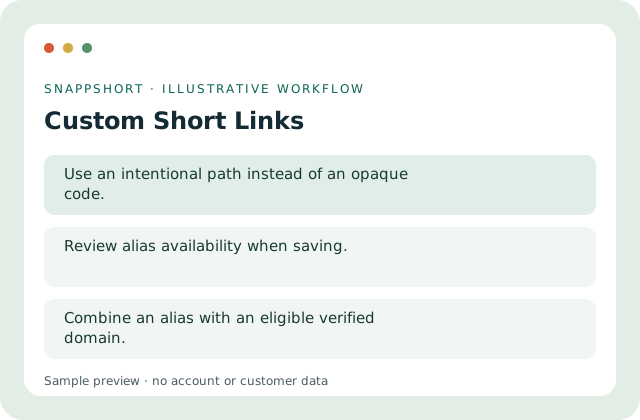
A random code is compact but can be hard to recognize. A descriptive alias helps distinguish a guide, event or product resource.
Safe interactive preview
Edit the alias in the local link preview. Availability is checked only when creating an actual account link.
Enable JavaScript to use the interactive demo. No account is required.
A random code is compact but can be hard to recognize. A descriptive alias helps distinguish a guide, event or product resource.
A random code is compact but can be hard to recognize. A descriptive alias helps distinguish a guide, event or product resource.
Your account and workspace determine the available features and allowances. Check the live pricing page before choosing a plan; this demo grants no subscription entitlement.
Compare current plansGive a short link a readable alias so the shared address describes its purpose.
Edit the alias in the local link preview. Availability is checked only when creating an actual account link.
Label a workshop handout. Name a product setup guide. A random code is compact but can be hard to recognize. A descriptive alias helps distinguish a guide, event or product resource.
Save and verify the resulting address. Combine an alias with an eligible verified domain.
Links
Turn a long web address into a manageable short link, then organize it in your SnappShort account.
Keep the original destination behind a compact address.
Links
Use an owned, verified domain for branded short links, with setup instructions supplied by your account.
Keep the hostname recognizable.
Links
Prepare multiple destinations together, validate rows and review per-row results rather than shortening each address manually.
Preview a bounded list of destinations.
Use custom short links with the controls available in your account.
Create your SnappShort account