Share a creator’s resources.
A social profile often has room for one address while your audience needs several resources. A profile page makes those choices visible.
Pages & Forms
Bring a profile introduction and several destination buttons together on one mobile-oriented landing page.
Account features depend on current plans and permissions. Public demos use no account data.
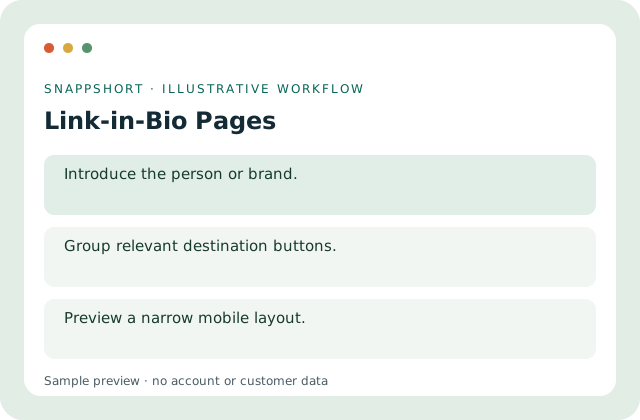
A social profile often has room for one address while your audience needs several resources. A profile page makes those choices visible.
Safe interactive preview
Use the local page editor to change the name, biography, palette and sample buttons. No profile or social account is connected.
Enable JavaScript to use the interactive demo. No account is required.
A social profile often has room for one address while your audience needs several resources. A profile page makes those choices visible.
A social profile often has room for one address while your audience needs several resources. A profile page makes those choices visible.
Your account and workspace determine the available features and allowances. Check the live pricing page before choosing a plan; this demo grants no subscription entitlement.
Compare current plansBring a profile introduction and several destination buttons together on one mobile-oriented landing page.
Use the local page editor to change the name, biography, palette and sample buttons. No profile or social account is connected.
Share a creator’s resources. Organize a community profile. A social profile often has room for one address while your audience needs several resources. A profile page makes those choices visible.
Review the page and share its published address. Preview a narrow mobile layout.
Pages & Forms
Arrange a focused landing page with editable content blocks, a theme and a mobile-friendly preview.
Arrange supported content blocks.
Pages & Forms
Build online questionnaires, share published surveys and review responses through the survey tools.
Combine supported question types.
Pages & Forms
Create structured forms for registrations, enquiries and lead collection without collecting respondent payments.
Use supported fields and validation.
Use link-in-bio pages with the controls available in your account.
Create your SnappShort account