Limit an event resource window.
A temporary destination can outlive its purpose. Expiration gives the redirect an explicit availability boundary; it does not delete the destination content.
Links
Set a supported link expiry so a time-limited redirect stops being available after its configured date.
Account features depend on current plans and permissions. Public demos use no account data.
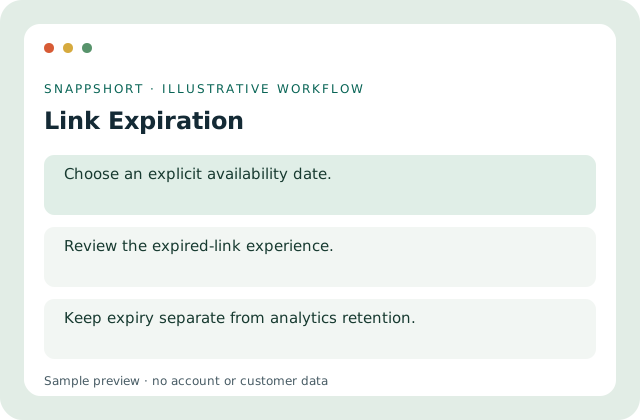
A temporary destination can outlive its purpose. Expiration gives the redirect an explicit availability boundary; it does not delete the destination content.
Safe interactive preview
Switch between sample availability states locally. This does not change expiry or retention on any real resource.
Enable JavaScript to use the interactive demo. No account is required.
A temporary destination can outlive its purpose. Expiration gives the redirect an explicit availability boundary; it does not delete the destination content.
A temporary destination can outlive its purpose. Expiration gives the redirect an explicit availability boundary; it does not delete the destination content.
Your account and workspace determine the available features and allowances. Check the live pricing page before choosing a plan; this demo grants no subscription entitlement.
Compare current plansSet a supported link expiry so a time-limited redirect stops being available after its configured date.
Switch between sample availability states locally. This does not change expiry or retention on any real resource.
Limit an event resource window. Retire a temporary promotion address. A temporary destination can outlive its purpose. Expiration gives the redirect an explicit availability boundary; it does not delete the destination content.
Test access and communicate the deadline. Keep expiry separate from analytics retention.
Links
Turn a long web address into a manageable short link, then organize it in your SnappShort account.
Keep the original destination behind a compact address.
Links
Give a short link a readable alias so the shared address describes its purpose.
Use an intentional path instead of an opaque code.
Links
Use an owned, verified domain for branded short links, with setup instructions supplied by your account.
Keep the hostname recognizable.
Use link expiration with the controls available in your account.
Create your SnappShort account