Maintain a changing event guide.
A static QR embeds its final content. A managed redirect can separate the printed address from a destination you may later update.
QR Codes
Use a managed short-link destination behind a QR code so eligible destination edits do not require a new printed pattern.
Account features depend on current plans and permissions. Public demos use no account data.
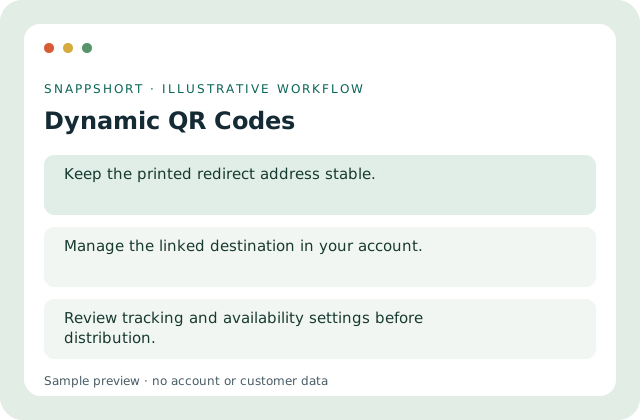
A static QR embeds its final content. A managed redirect can separate the printed address from a destination you may later update.
Safe interactive preview
The walkthrough changes a sample destination behind a reserved short address. It does not publish a dynamic QR or change an existing code.
Enable JavaScript to use the interactive demo. No account is required.
A static QR embeds its final content. A managed redirect can separate the printed address from a destination you may later update.
A static QR embeds its final content. A managed redirect can separate the printed address from a destination you may later update.
Your account and workspace determine the available features and allowances. Check the live pricing page before choosing a plan; this demo grants no subscription entitlement.
Compare current plansUse a managed short-link destination behind a QR code so eligible destination edits do not require a new printed pattern.
The walkthrough changes a sample destination behind a reserved short address. It does not publish a dynamic QR or change an existing code.
Maintain a changing event guide. Update a product help destination. A static QR embeds its final content. A managed redirect can separate the printed address from a destination you may later update.
Update the destination through the authorized editor when needed. Review tracking and availability settings before distribution.
QR Codes
Generate a scannable QR code for a web address or text and preview a static sample before downloading it.
Encode the exact displayed value.
QR Codes
Style QR codes with the supported designer controls while keeping scan reliability central to the design.
Preview a dark foreground palette.
Use dynamic qr codes with the controls available in your account.
Create your SnappShort account