Prepare an internal campaign review.
A spreadsheet is useful only when its rows match the intended report. Check the source, date range and permissions before exporting.
Marketing & Analytics
Download supported account reports for offline analysis while respecting access controls and data-source boundaries.
Account features depend on current plans and permissions. Public demos use no account data.
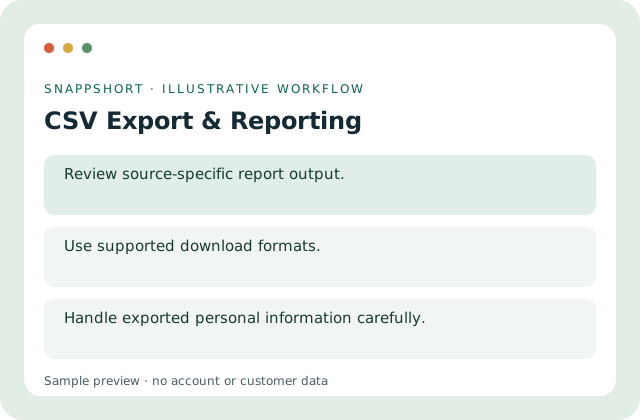
A spreadsheet is useful only when its rows match the intended report. Check the source, date range and permissions before exporting.
Safe interactive preview
The demo exports only fixed fictional summary rows. It never requests a real account export or includes personal data.
Enable JavaScript to use the interactive demo. No account is required.
A spreadsheet is useful only when its rows match the intended report. Check the source, date range and permissions before exporting.
A spreadsheet is useful only when its rows match the intended report. Check the source, date range and permissions before exporting.
Your account and workspace determine the available features and allowances. Check the live pricing page before choosing a plan; this demo grants no subscription entitlement.
Compare current plansDownload supported account reports for offline analysis while respecting access controls and data-source boundaries.
The demo exports only fixed fictional summary rows. It never requests a real account export or includes personal data.
Prepare an internal campaign review. Analyze an authorized response export. A spreadsheet is useful only when its rows match the intended report. Check the source, date range and permissions before exporting.
Download and store the file securely. Handle exported personal information carefully.
Marketing & Analytics
Group related links into campaigns and review their combined performance in the correct account or workspace.
Organize related managed links.
Marketing & Analytics
Inspect link activity with date filters and supported device, browser and location breakdowns.
Inspect totals alongside the selected date range.
Marketing & Analytics
Review supported activity for managed QR destinations and distinguish it from untracked static QR content.
Review activity for eligible managed QR codes.
Use csv export & reporting with the controls available in your account.
Create your SnappShort account