Coordinate a marketing team.
Sharing one login makes accountability difficult. Membership and role checks let a team work in its own context with appropriate permissions.
Collaboration
Work on shared resources with owner, admin, editor and viewing roles enforced by the workspace.
Account features depend on current plans and permissions. Public demos use no account data.
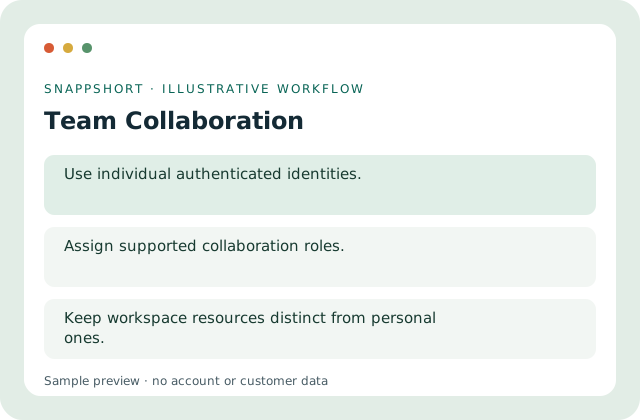
Sharing one login makes accountability difficult. Membership and role checks let a team work in its own context with appropriate permissions.
Safe interactive preview
The matrix reflects base Team permissions: owner/admin manage, editor edits, viewer/member view. Resource, plan and scope rules still apply. No invitation is sent.
Enable JavaScript to use the interactive demo. No account is required.
Sharing one login makes accountability difficult. Membership and role checks let a team work in its own context with appropriate permissions.
Sharing one login makes accountability difficult. Membership and role checks let a team work in its own context with appropriate permissions.
Your account and workspace determine the available features and allowances. Check the live pricing page before choosing a plan; this demo grants no subscription entitlement.
Compare current plansWork on shared resources with owner, admin, editor and viewing roles enforced by the workspace.
The matrix reflects base Team permissions: owner/admin manage, editor edits, viewer/member view. Resource, plan and scope rules still apply. No invitation is sent.
Coordinate a marketing team. Give an analyst viewing access. Sharing one login makes accountability difficult. Membership and role checks let a team work in its own context with appropriate permissions.
Assign roles and review access. Keep workspace resources distinct from personal ones.
Collaboration
Switch between personal and workspace contexts while retaining current membership and resource boundaries.
Select the intended working context.
Use team collaboration with the controls available in your account.
Create your SnappShort account