Coordinate a campaign palette.
A code must remain readable even when it matches your brand. Contrast, quiet zone and a real scan test matter more than decoration.
QR Codes
Style QR codes with the supported designer controls while keeping scan reliability central to the design.
Account features depend on current plans and permissions. Public demos use no account data.
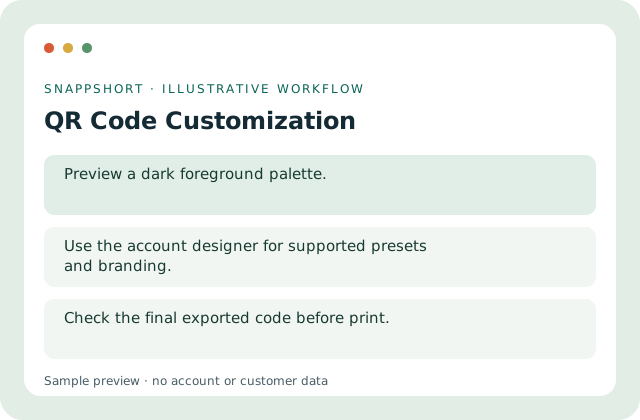
A code must remain readable even when it matches your brand. Contrast, quiet zone and a real scan test matter more than decoration.
Safe interactive preview
The public sample offers safe dark colors and SVG download; the signed-in designer has additional supported controls.
Enable JavaScript to use the interactive demo. No account is required.
A code must remain readable even when it matches your brand. Contrast, quiet zone and a real scan test matter more than decoration.
A code must remain readable even when it matches your brand. Contrast, quiet zone and a real scan test matter more than decoration.
Your account and workspace determine the available features and allowances. Check the live pricing page before choosing a plan; this demo grants no subscription entitlement.
Compare current plansStyle QR codes with the supported designer controls while keeping scan reliability central to the design.
The public sample offers safe dark colors and SVG download; the signed-in designer has additional supported controls.
Coordinate a campaign palette. Prepare a clean tabletop sign. A code must remain readable even when it matches your brand. Contrast, quiet zone and a real scan test matter more than decoration.
Download and scan the final artwork at its intended size. Check the final exported code before print.
QR Codes
Generate a scannable QR code for a web address or text and preview a static sample before downloading it.
Encode the exact displayed value.
QR Codes
Use a managed short-link destination behind a QR code so eligible destination edits do not require a new printed pattern.
Keep the printed redirect address stable.
Use qr code customization with the controls available in your account.
Create your SnappShort account