Compare distribution channels.
A lifetime counter and a date-filtered detailed report answer different questions. Use the right view and account for retention and tracking settings.
Marketing & Analytics
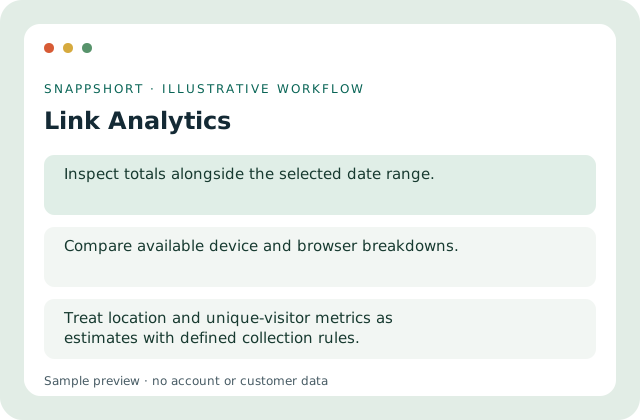
Inspect link activity with date filters and supported device, browser and location breakdowns.
Account features depend on current plans and permissions. Public demos use no account data.
A lifetime counter and a date-filtered detailed report answer different questions. Use the right view and account for retention and tracking settings.
Safe interactive preview
The chart and breakdowns are fictional sample data. Changing its range does not query customer analytics.
Enable JavaScript to use the interactive demo. No account is required.
A lifetime counter and a date-filtered detailed report answer different questions. Use the right view and account for retention and tracking settings.
A lifetime counter and a date-filtered detailed report answer different questions. Use the right view and account for retention and tracking settings.
Your account and workspace determine the available features and allowances. Check the live pricing page before choosing a plan; this demo grants no subscription entitlement.
Compare current plansInspect link activity with date filters and supported device, browser and location breakdowns.
The chart and breakdowns are fictional sample data. Changing its range does not query customer analytics.
Compare distribution channels. Understand when a resource is opened. A lifetime counter and a date-filtered detailed report answer different questions. Use the right view and account for retention and tracking settings.
Interpret totals together with tracking and retention settings. Treat location and unique-visitor metrics as estimates with defined collection rules.
Use these related tools when your next step needs a different format, destination or way to understand activity.
Marketing & Analytics
Group related links into campaigns and review their combined performance in the correct account or workspace.
Organize related managed links.
Marketing & Analytics
Review supported activity for managed QR destinations and distinguish it from untracked static QR content.
Review activity for eligible managed QR codes.
Marketing & Analytics
Configure reports using supported data sources, metrics and filters instead of mixing unrelated event types.
Select a supported report source.
Use link analytics with the controls available in your account.
Create your SnappShort account