Separate a client project.
Personal projects and shared work should not be mixed accidentally. Context selection determines which resources and permissions apply.
Collaboration
Switch between personal and workspace contexts while retaining current membership and resource boundaries.
Account features depend on current plans and permissions. Public demos use no account data.
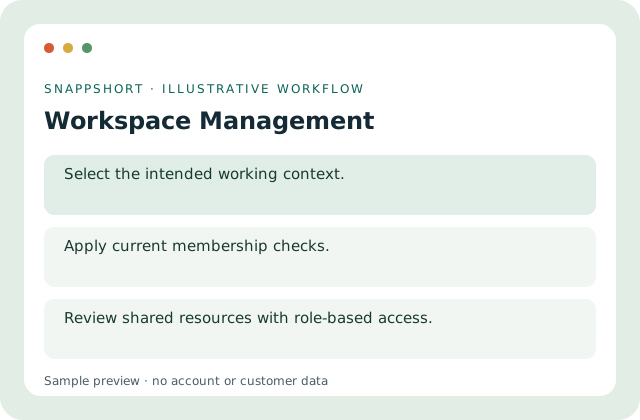
Personal projects and shared work should not be mixed accidentally. Context selection determines which resources and permissions apply.
Safe interactive preview
The role preview is explanatory and does not switch an authenticated workspace or create members.
Enable JavaScript to use the interactive demo. No account is required.
Personal projects and shared work should not be mixed accidentally. Context selection determines which resources and permissions apply.
Personal projects and shared work should not be mixed accidentally. Context selection determines which resources and permissions apply.
Your account and workspace determine the available features and allowances. Check the live pricing page before choosing a plan; this demo grants no subscription entitlement.
Compare current plansSwitch between personal and workspace contexts while retaining current membership and resource boundaries.
The role preview is explanatory and does not switch an authenticated workspace or create members.
Separate a client project. Review a shared campaign safely. Personal projects and shared work should not be mixed accidentally. Context selection determines which resources and permissions apply.
Return to personal context for personal work. Review shared resources with role-based access.
Collaboration
Work on shared resources with owner, admin, editor and viewing roles enforced by the workspace.
Use individual authenticated identities.
Use workspace management with the controls available in your account.
Create your SnappShort account