Connect an approved internal workflow.
External delivery can move information beyond your account. Configure only the supported events and destinations that your workflow actually needs.
Developer Tools
Configure supported account webhooks and external integrations using explicit permissions and reviewed destinations.
Account features depend on current plans and permissions. Public demos use no account data.
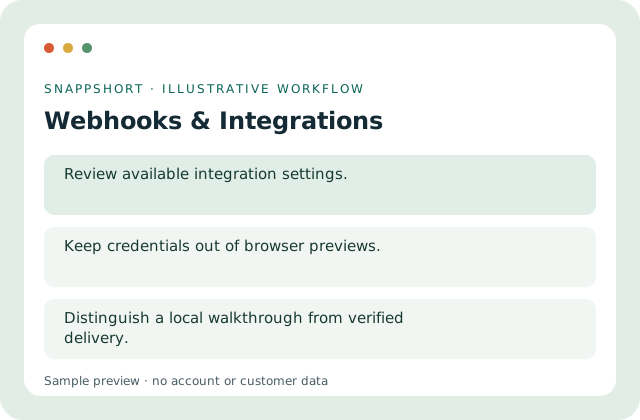
External delivery can move information beyond your account. Configure only the supported events and destinations that your workflow actually needs.
Safe interactive preview
The walkthrough never sends webhooks, installs a connector or grants OAuth access. Real integration setup remains authenticated.
Enable JavaScript to use the interactive demo. No account is required.
External delivery can move information beyond your account. Configure only the supported events and destinations that your workflow actually needs.
External delivery can move information beyond your account. Configure only the supported events and destinations that your workflow actually needs.
Your account and workspace determine the available features and allowances. Check the live pricing page before choosing a plan; this demo grants no subscription entitlement.
Compare current plansConfigure supported account webhooks and external integrations using explicit permissions and reviewed destinations.
The walkthrough never sends webhooks, installs a connector or grants OAuth access. Real integration setup remains authenticated.
Connect an approved internal workflow. Review a notification integration. External delivery can move information beyond your account. Configure only the supported events and destinations that your workflow actually needs.
Test safely before relying on external delivery. Distinguish a local walkthrough from verified delivery.
Developer Tools
Integrate supported link-management operations with authenticated APIs and documented permission scopes.
Use documented API contracts.
Use webhooks & integrations with the controls available in your account.
Create your SnappShort account